Once a business runs more than one vehicle, the owner's questions change. It is no longer “will this vehicle do the job?” but “where are my vehicles, are they on the right routes, and are they safe at night?”
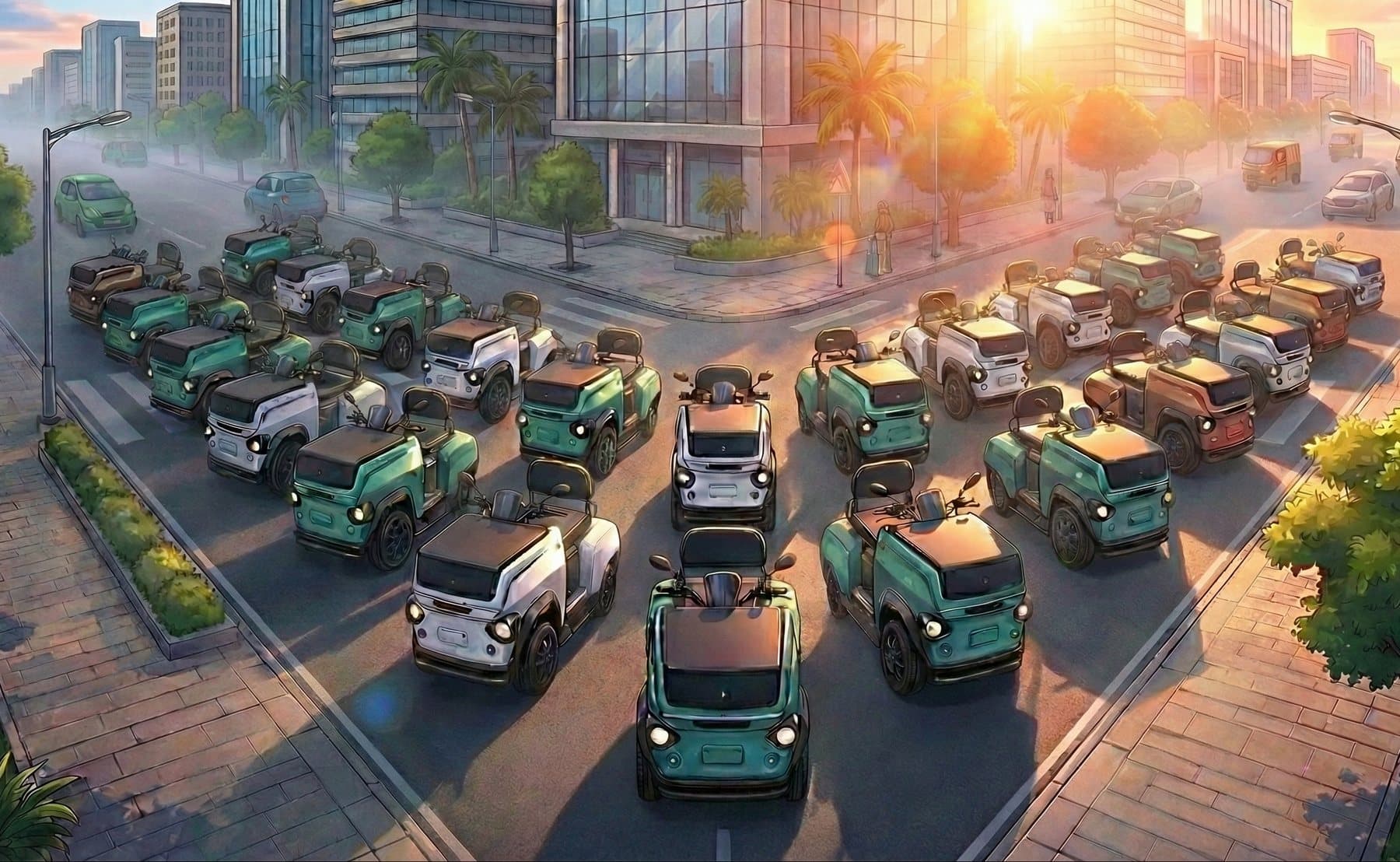
CROC EV comes with three tools for those questions: GPS tracking, geo-fencing and a remote lock. This post explains what each one is for, how fleet owners use them in an ordinary week, and what to agree with your drivers before you switch them on.
GPS tracking: where the vehicle is
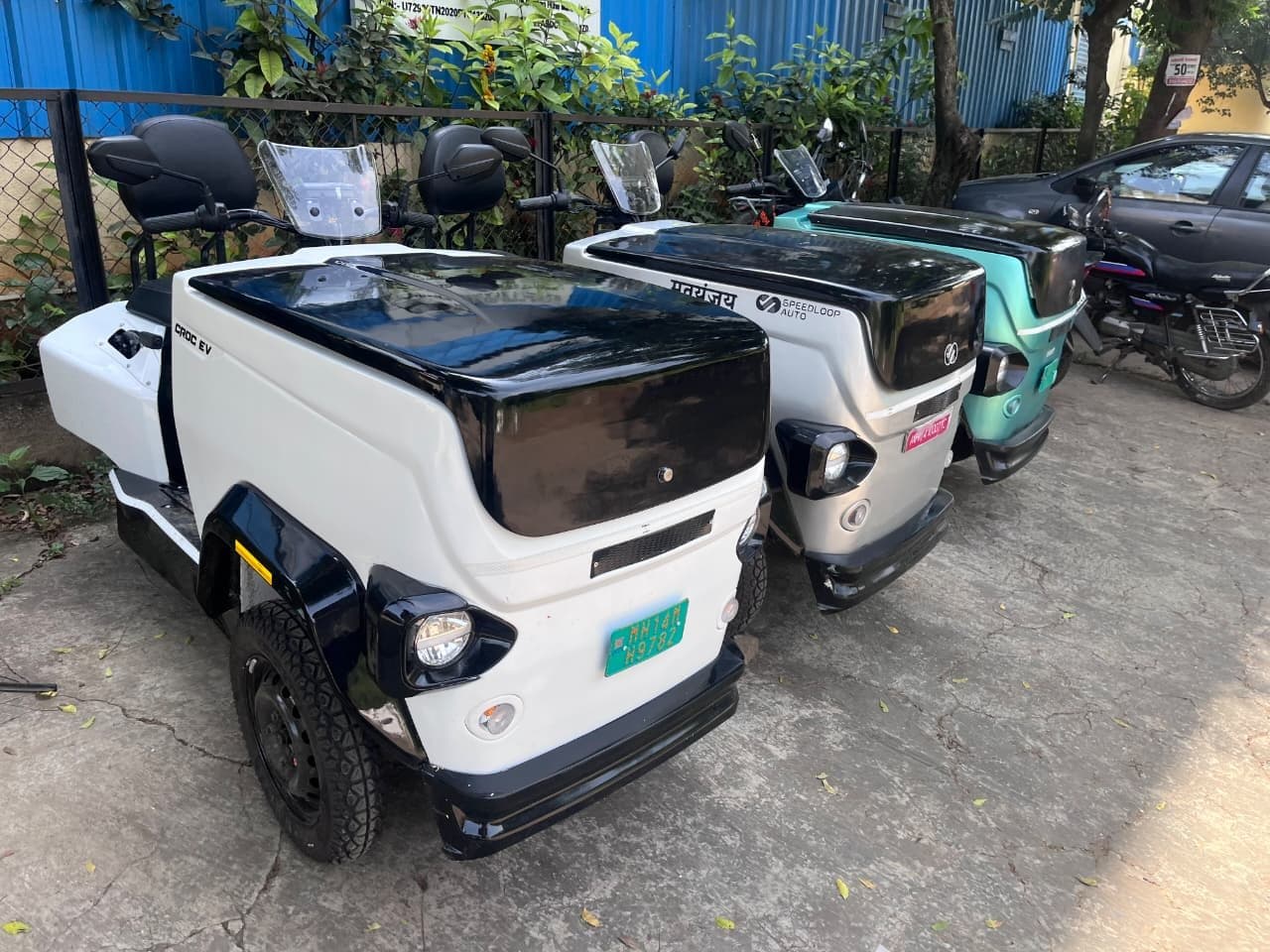
GPS tracking shows where each vehicle is. For a small fleet, that answers the questions that otherwise take a phone call: has the morning round started, which vehicle is nearest to an urgent pickup, has a vehicle come back to the depot.
- Check that each vehicle has left on time, without calling the driver.
- Send the nearest vehicle to an urgent order.
- Answer a customer who asks when their delivery will arrive.
- See that every vehicle is back and charging at the end of the day.
Geo-fencing: where the vehicle should be
Geo-fencing lets you mark an area on the map, such as your delivery zone, a campus or the streets around your depot, and see when a vehicle goes outside it. It turns a map into a rule: this vehicle works here.
Draw the fence around the area the work really covers, with a little margin, and not around the exact route. A fence drawn too tight raises a flag every time a driver takes a sensible detour around a blocked lane, and flags that are always wrong soon get ignored.
Fences that fit the job
A campus fleet might fence the campus itself. A dairy round might fence the wards it serves. A shop might fence a few kilometres around the shop. Keep the range in mind too: 40 km on one battery, 80 km with a second.
Remote lock: when the vehicle should not move
The remote lock lets you lock the vehicle from a distance. Fleet owners use it for the hours when nobody should be driving: overnight, on a holiday, or when a vehicle is parked away from the depot.
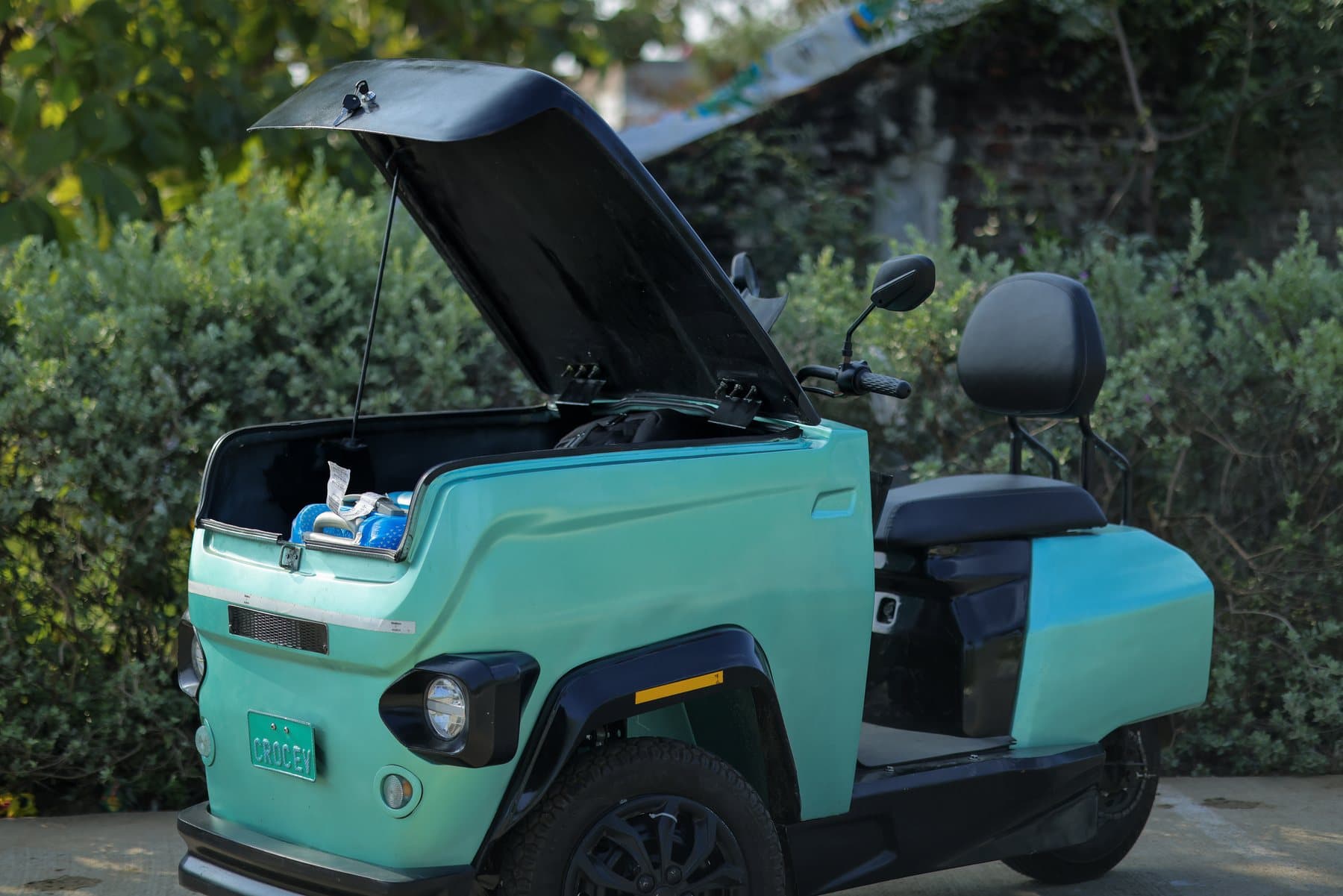
It works alongside the vehicle's own starting rules: brake-to-start, sit-to-start and auto-off. The cargo box has its own lock, and an optional smart e-lock for the box is available.
Agree the rules with your drivers first
Tracking works best when drivers know about it and know why. Before you switch it on, sit down with the team and agree a few things:
- What is tracked, and during which hours: work hours only, or also when the vehicle is parked.
- Who sees the data, and what it is used for: routing and safety, not watching people.
- What happens when a vehicle leaves a fence: a phone call to check all is well, not an automatic penalty.
- When the remote lock is used, and how a driver gets the vehicle unlocked in a genuine emergency.
Write the answers down and give every driver a copy. Check what consent and privacy rules apply to your business, and keep the agreement with your HR or legal adviser if you have one.
Fleet and security features
- Telematics
- GPS tracking, geo-fencing, remote lock
- Starting
- Brake-to-start, sit-to-start, auto-off
- Battery care
- Smart thermal warning
- Cargo lock
- Lockable box; smart e-lock optional
- Range
- 40 km on one battery, 80 km with two
See it before you decide
Ask us to show you the tracking, the fences and the remote lock on a vehicle before you decide. Send your fleet size and routes on WhatsApp to UrbanCarriers by Speedloop Auto at +91 86250 40203, or at speedloopauto.com/contact. If you are planning routes, read one battery or two first.
Your route
Tell us what you carry and where. We reply within one working day.
WhatsApp +91 86250 40203